Introduction
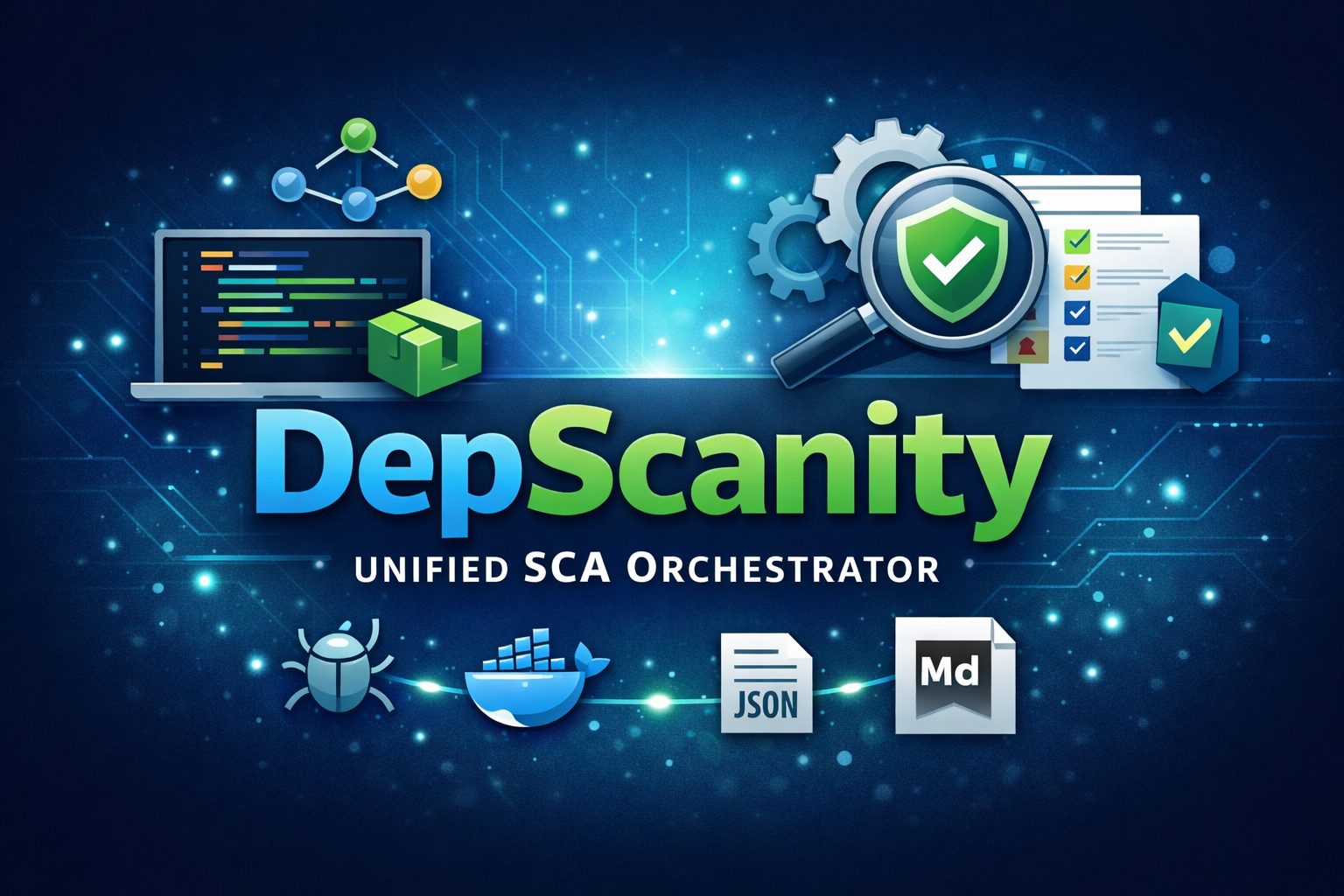
DepScanity revolutionizes dependency security management by serving as a lightweight, CLI-first Software Composition Analysis (SCA) orchestrator built with Go that seamlessly automates vulnerability scanning across .NET, Node.js, Bun, and container projects. This powerful tool transforms the chaos of fragmented dependency security into a single, deterministic truth by consolidating vulnerability findings from native scanning tools into standardized JSON and Markdown reports. With intelligent automatic stack detection, DepScanity eliminates the guesswork of identifying project types while maintaining a unified output format that simplifies security analysis across diverse technology stacks. The tool’s resilient execution ensures reliable performance even in complex environments, while its pipeline integration delivers deterministic exit codes that make security checks predictable and actionable. Designed specifically for CI/CD workflows, DepScanity transforms previously unpredictable security analysis into a reliable, automated process that developers can trust to consistently identify and report vulnerabilities across their entire dependency ecosystem.
Structure of the Solution
DepScanity’s architecture follows clean Go practices with a well-defined directory structure that separates concerns effectively. The solution’s entry point resides in cmd/depscanity, which handles CLI operations and user interaction, while internal/ houses the core implementation packages that contain the business logic and domain-specific functionality. The system’s modular design incorporates several key architectural components working in harmony: detection mechanisms scan for technology stacks by analyzing marker files and configuration artifacts, scanner implementations wrap native tools like npm audit, .NET dependency check, and container vulnerability scanners, and report generation produces standardized outputs in both JSON and Markdown formats. The architecture employs sophisticated aggregation logic that normalizes findings across different scanners into a unified data model, abstracting scanner-specific variations and providing deterministic results. Critical design patterns include tool orchestration with built-in timeout protection to prevent hanging processes, deterministic exit codes ensuring seamless CI/CD integration, and a clean separation between command-line handling and internal domain logic that follows standard Go conventions and promotes maintainability.
Supported Technologies
DepScanity provides comprehensive dependency security scanning across multiple technology ecosystems through its intelligent automatic detection system. The platform seamlessly supports four primary stacks: .NET/NuGet, Node.js, Bun, and Containerized applications. For .NET projects, DepScanity detects *.sln and *.csproj files to run dotnet list package –vulnerable scans, while Node.js applications are identified through package-lock.json files using npm audit. Bun projects are recognized via bun.lock files with bun audit scans, and containerized applications are detected through Dockerfile analysis using trivy image scanner. This intelligent detection eliminates the need for manual configuration by automatically scanning for specific marker files inherent to each technology stack. Each ecosystem’s native security tools are orchestrated and unified into a single comprehensive report, providing developers with consolidated vulnerability insights across all supported platforms. The automatic detection feature ensures effortless scanning of projects without requiring users to specify technology types, making dependency security accessible and streamlined for development teams working across diverse technological landscapes.
Installation and Setup
To install and set up DepScanity, you’ll first need to ensure your system meets the prerequisites: Go 1.21 or higher is required for building from source, along with ecosystem-specific tools such as the .NET SDK for .NET projects, Node.js/npm for Node projects, Bun for Bun projects, and Docker with Trivy for container scanning capabilities. Once you have these dependencies in place, clone the DepScanity repository from GitHub, then compile the binary using the go build command. For system-wide accessibility, you may optionally move the compiled binary to your PATH. It’s important to note that DepScanity functions as a wrapper orchestrating external tools rather than incorporating native scanners, meaning users must independently install the ecosystem-specific scanning tools they intend to use for their projects. Currently, installation is accomplished exclusively through building from source code, with the compiled binary ready for immediate use once the build process completes successfully.
Usage and Command-Line Interface
DepScanity’s command-line interface enables comprehensive security scanning of dependencies across .NET, Node.js, and container environments through the primary command syntax: `depscanity scan
Output Formats and Reports
DepScanity generates three distinct output formats to cater to different stakeholder needs and technical requirements. The primary report.md file provides a human-readable markdown summary designed for seamless integration into stakeholder communications, pull request comments, and security dashboards, offering clear visual presentation of security findings. The report.json file serves as a machine-readable comprehensive dataset containing full technical details, enabling smooth integration with downstream security tools, CI/CD platforms, and analysis systems. Additionally, the raw/ directory preserves unmodified output from each underlying scanner tool (npm audit, dotnet list package, trivy, bun audit), facilitating debugging and tool-specific analysis. A key feature of DepScanity is its finding normalization capability, which unifies security findings across heterogeneous tools into a standardized format, effectively abstracting vendor-specific differences regardless of whether vulnerabilities originate from .NET, Node.js, Bun, or container scanning. These reports are systematically correlated with deterministic exit codes: 0 indicates no vulnerabilities exceeding configured thresholds, 2 signals findings that trigger failure conditions, and 3 denotes scanner execution errors, ensuring consistent and predictable integration into automated workflows.
CI/CD Integration
DepScanity seamlessly integrates into CI/CD pipelines through its deterministic exit code system, providing reliable automation across diverse deployment environments. The tool returns specific exit codes: 0 for successful scans with no findings exceeding thresholds, 1 for application errors or invalid arguments, 2 for vulnerability threshold violations that trigger pipeline failures, and 3 for scanner execution failures. This deterministic approach ensures consistent reproducible results crucial for automated workflows. Teams can configure severity thresholds using the –fail-on flag to specify low, medium, high, or critical levels, allowing flexible failure criteria that match organizational security policies. The tool generates unified reports in both machine-readable JSON and human-readable Markdown formats, perfect for PR comments and dashboard integration. Built-in timeout controls with 600-second defaults prevent hanging processes while external tool failures are isolated to prevent orchestrator crashes. During typical integration, teams invoke depscanity as a pipeline step with target path, severity threshold, and output directory parameters. The tool intelligently manages detector discovery and native scanner execution while maintaining proper exit code flow control for seamless pipeline integration. Explicitly designed for CI/CD workflows, DepScanity delivers reliable, automated security analysis across GitHub Actions, GitLab CI, Jenkins, and other platforms, making dependency security a seamless part of modern development practices.
Best Practices
To maximize DepScanity’s effectiveness in development workflows, organizations should implement systematic scan strategies starting with pull request integration to catch vulnerabilities early in the development cycle. Running daily scheduled scans for active projects and conducting pre-release security audits ensures comprehensive coverage while maintaining development velocity. When handling false positives, teams should systematically review and document exceptions, utilize suppression files or exclude patterns judiciously, and maintain detailed audit trails of all security decisions to support compliance and continuous improvement. Severity thresholds should be calibrated based on project maturity and risk tolerance, beginning with high/critical severity filters for new implementations and gradually tightening to medium severity as processes mature and teams develop expertise. Integration of DepScanity early in the development lifecycle transforms security checks into standard code review practices, while automated reporting enables teams to track vulnerability trends and measure improvement over time. Effective team collaboration requires establishing clear ownership for security findings, creating standardized runbooks for common vulnerability types, and fostering a security-first culture that values both protection and development efficiency. Regular tool updates and dependency version reviews ensure continued effectiveness, while maintaining the delicate balance between robust security coverage and sustainable development practices that support organizational agility.
Download of the Complete Code
The complete code is available at GitHub. This program is written using Gemini3 code agent inside the Antigravity IDE.
These materials are distributed under MIT license; feel free to use, share, fork and adapt these materials as you see fit.
Also please feel free to submit pull-requests and bug-reports to this GitHub repository or contact me on my social media channels available on the contact page.
FAQ
How do I install DepScanity on my development machine?
You can install DepScanity using the official package manager for your operating system. For Windows, download the installer from our website or use Chocolatey with ‘choco install depScanity’. For Linux and macOS, use the package manager or download the binary directly. You can also install it globally using npm: ‘npm install -g depScanity’. After installation, verify the installation by running ‘depScanity –version’ in your terminal.
What programming languages and frameworks does DepScanity support?
DepScanity supports .NET (including .NET Core and .NET 5+), Node.js, Bun, and containerized applications. It can scan dependencies for .NET projects using packages.config, PackageReference, or project.assets.json files. For Node.js, it supports npm, yarn, and pnpm package managers. Bun is supported with its native package management system, and container scanning works with Docker images and other containerized environments.
How do I integrate DepScanity into my CI/CD pipeline?
To integrate DepScanity into your CI/CD pipeline, first install it in your build environment. Then add a step in your pipeline configuration that runs the scan command before your deployment process. For example, in GitHub Actions you would add a step like ‘depScanity scan –output-format json –output-file security-report.json’. You can configure it to fail the pipeline if critical vulnerabilities are found by setting appropriate exit codes or using conditional checks in your pipeline configuration.
Can I customize the vulnerability thresholds in DepScanity?
Yes, DepScanity allows you to configure custom vulnerability thresholds based on severity levels. You can set minimum acceptable severity levels (critical, high, medium, low) using command-line flags or configuration files. For example, you can configure it to fail the scan only when critical vulnerabilities are found by running ‘depScanity scan –fail-on=critical’. You can also define custom severity levels in configuration files for more granular control over your security policies.
How does DepScanity handle private repositories and internal packages?
DepScanity can scan private repositories by authenticating with your package managers or container registries. For .NET projects, it supports authenticated NuGet feeds using API keys or credentials. For Node.js, it can work with private npm registries through environment variables or configuration files. When scanning containers, it can authenticate with private Docker registries using standard authentication methods. You should configure the appropriate credentials in your environment variables or configuration files to ensure proper scanning of private dependencies.
What types of vulnerabilities does DepScanity detect?
DepScanity detects a wide range of security vulnerabilities including known CVEs, insecure dependency versions, deprecated packages, and vulnerable code patterns. It scans for common security issues such as cross-site scripting (XSS), SQL injection vulnerabilities, and insecure deserialization. The tool also identifies packages with known security advisories from sources like the National Vulnerability Database (NVD), GitHub Security Advisories, and other security databases. It provides detailed vulnerability reports with severity ratings, affected versions, and remediation recommendations.
How often are the vulnerability databases updated in DepScanity?
DepScanity maintains its vulnerability database with regular updates to ensure accurate scanning results. The database is updated daily with the latest security advisories from major vulnerability sources including NVD, GitHub Security Advisories, and OSV (Open Source Vulnerability) database. You can manually update the vulnerability database using the ‘depScanity update’ command, or configure automatic updates in your configuration files. This ensures that your scans detect the most recent security threats affecting your dependencies.
What happens if DepScanity detects a vulnerability in my project?
When DepScanity detects vulnerabilities, it generates detailed reports showing the affected dependencies, severity levels, and remediation steps. The tool provides actionable insights including which specific versions to upgrade to, alternative packages that may be safer, and links to relevant security advisories. You can configure the tool to fail your build pipeline when critical vulnerabilities are found, or simply generate reports for manual review. The output includes information about the vulnerability source, impact assessment, and mitigation strategies to help you address security concerns effectively.
How does DepScanity differ from other dependency scanning tools?
DepScanity stands out with its deterministic scanning approach that provides consistent and reproducible results across different environments. Unlike many tools, it offers deep integration with .NET ecosystem, including support for complex dependency graphs and package resolution. It’s specifically optimized for containerized applications and provides detailed security analysis for modern development workflows. DepScanity also offers faster scanning performance with minimal resource consumption, and provides comprehensive configuration options for enterprise security policies that other tools often lack.
What are the best practices for using DepScanity in a production environment?
Best practices for using DepScanity in production include integrating it into your regular development workflow, setting up automated scanning as part of your CI/CD pipeline, and configuring appropriate severity thresholds to match your security policies. Run regular scans during development and pre-deployment phases, maintain updated vulnerability databases, and establish clear procedures for addressing identified vulnerabilities. Configure the tool to fail builds on critical issues while allowing medium severity issues to be reviewed by security teams. Additionally, use the reporting features to track security improvements over time and ensure compliance with organizational security standards.